1
2
3
4
5
6
7
8
9
10
11
12
13
14
15
16
17
18
19
20
21
22
23
24
25
26
27
28
29
30
31
32
33
34
35
36
37
38
39
40
41
42
43
44
45
46
47
48
49
50
51
52
53
54
55
56
57
58
59
60
61
62
63
64
65
66
67
68
69
70
71
72
73
74
75
76
77
78
79
80
81
82
83
84
85
86
87
88
89
90
91
92
93
94
95
96
97
98
99
100
101
102
103
104
105
106
107
108
109
110
| const doDownload = () => {
uni.showLoading({
title: '文件下载中...',
});
const downloadTask = uni.downloadFile({
url: '[文件地址]',
success: (res) => {
console.log('下载完成', res);
if (res.statusCode === 200) {
const tempFilePath = res.tempFilePath;
uni.saveFile({
tempFilePath: tempFilePath,
success: (saveRes) => {
uni.hideLoading();
uni.showToast({
title: '文件已保存: ' + saveRes.savedFilePath,
icon: 'success',
duration: 3000,
});
},
fail: (err) => {
console.error('保存文件失败', err);
uni.hideLoading();
uni.showToast({ title: '保存文件失败', icon: 'none' });
},
});
const a = document.createElement('a');
a.href = tempFilePath;
a.download = '下载文件.csv';
document.body.appendChild(a);
a.click();
document.body.removeChild(a);
uni.hideLoading();
uni.showToast({ title: '下载完成', icon: 'success' });
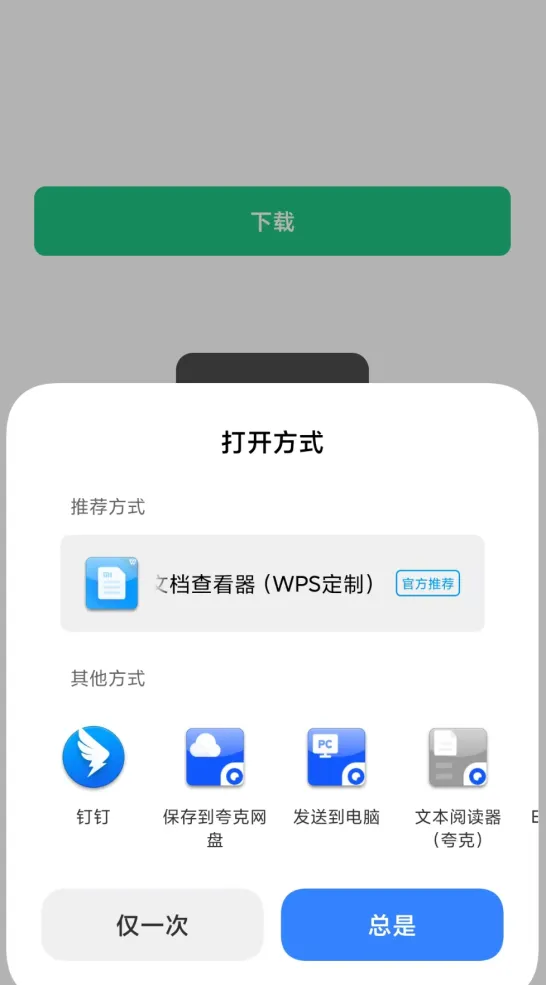
uni.openDocument({
filePath: tempFilePath,
fileType: 'csv',
success: () => {
uni.hideLoading();
uni.showActionSheet({
itemList: ['转发给微信好友'],
success: function (res) {
if (res.tapIndex === 0) {
wx.shareFileMessage({
filePath: tempFilePath,
success() {
console.log('分享文件消息成功');
},
fail(res) {
console.error('分享文件消息失败', res);
uni.showToast({
title: '分享失败',
icon: 'none',
});
},
});
}
},
});
},
fail: (err) => {
console.error('打开文件失败', err);
uni.hideLoading();
uni.showToast({ title: '打开文件失败', icon: 'none' });
},
});
} else {
uni.hideLoading();
uni.showToast({ title: '下载失败: ' + res.statusCode, icon: 'none' });
}
},
fail: (err) => {
console.error('下载失败', err);
uni.hideLoading();
uni.showToast({ title: '下载失败,请检查网络', icon: 'none' });
},
});
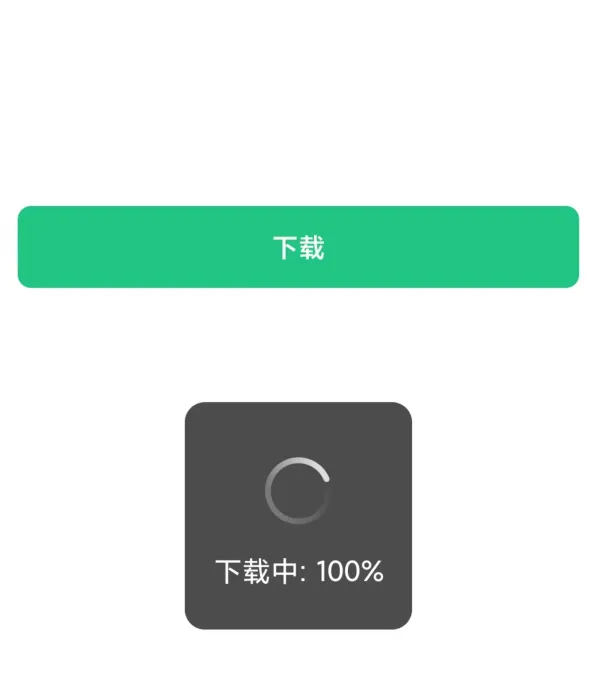
downloadTask.onProgressUpdate((res) => {
console.log('下载进度', res.progress);
uni.showLoading({
title: '下载中: ' + res.progress + '%',
});
});
};
|
.png)